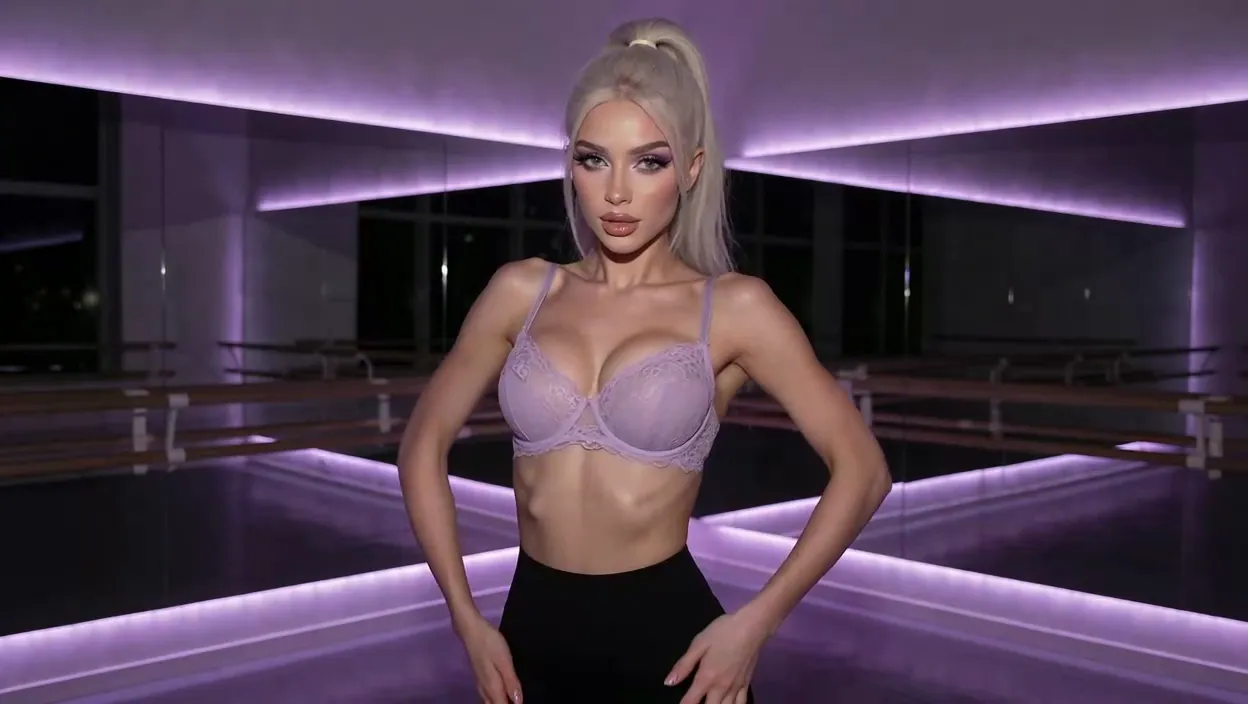
Four steps
Design her before you talk
Personality first, then her look, then the conversation — in that order, not the other way round.
- 1
Start from a written profile
Open a profile whose temperament already reads close to what you want — faster than starting from a blank form.
- 2
Tell her who she is
One instruction sets her manner: warmer, blunter, more forward. It sticks past the first message.
- 3
Decide what she looks like
Set her look once the personality underneath is right — hair, body, style are yours to specify after that.
- 4
Keep the same thread going
Come back tomorrow and the conversation continues where it left off, voice call included.
What she actually does
Not a static profile
Voice, memory and photos all work inside one conversation, not scattered across separate tools.

She's trans by design, not a filter
Every character here is written as a trans woman from the start — her voice, her body and her way of texting belong to one profile, not an add-on.
Tap one, she does it.
Her voice fits the character, not a stock line
Switch to a live call and the tone matches what she already sounds like in the chat, instead of a separate reading voice taking over.
A requested photo shows up mid-conversation
Tap one, she does it.
Build herLast week's plans don't need repeating
Bring up something from a few days ago and she already has it — you don't have to reintroduce yourself every time you open the chat.
She goes explicit without extra steps
No settings menu to dig through first — the conversation gets as direct as you want it, right from the opening lines.
Not one persona wearing different names
Each profile in the roster is written separately, with its own temperament and way of texting, so switching actually changes the conversation.
Six trans women worth opening first
Each one is written with her own temperament and way of texting — pick the one closest to tonight's mood.







A relabeled bot, or a written trans character
- Trans charactersA generic profile with a label added
- VoiceText-to-speech bolted on after
- PhotosA separate gallery to dig through
- MemoryResets every session
- Explicit contentLocked behind extra menus
- RosterOne script with different names
- Trans charactersWritten as trans from the ground up
- VoiceA call that sounds like the same woman
- PhotosArrives inside the same chat
- MemoryCarries what you said last week
- Explicit contentAvailable from the first message
- RosterEach profile written separately
See her before you talk
Pick her setting, her style and her pose, or write your own — the render matches the character you already built.
The backdrop
Thirty-four settings as a starting grid, from a bedroom to a rooftop at night. Or describe the room and it gets built.
The wardrobe
Twenty-one presets to start from, or write the fabric, cut and colour yourself so the version in your head is the version you get.
Everything else
Negative prompts to rule things out, batches of two, four or eight to compare, and a prompt box that takes your own words.
70+ video modes
Tell her what to do. Watch it
70+ modes. Pick one, she does it in about a minute. Blurred here, not in your chat 😏
AI trans porn chat questions
Before you start
Notes on ai trans porn chat
What the conversation actually covers, how the voice calls work, and what changes once you set her personality.

AI Generated Trans Girls: Which App Actually Delivers?
AI generated trans girls done right — GoLove.ai wins on in-chat photos plus memory that keeps her consistent. Chat opens straight from Explore. See why.

Porn Hub Shorts Alternative: Why GoLove Wins
Porn Hub Shorts gets you passive clips — GoLove.ai adds trans AI companions with voice, memory, and photo-to-video. See the difference.

Best Trans AI Flexible Pricing: What Wins in 2026
GoLove.ai wins best trans AI flexible pricing — its cheap tier keeps memory, voice, and photos intact. Compare real tiers — chat with AnonAuth first.